
“Who Am I?” Poster Project
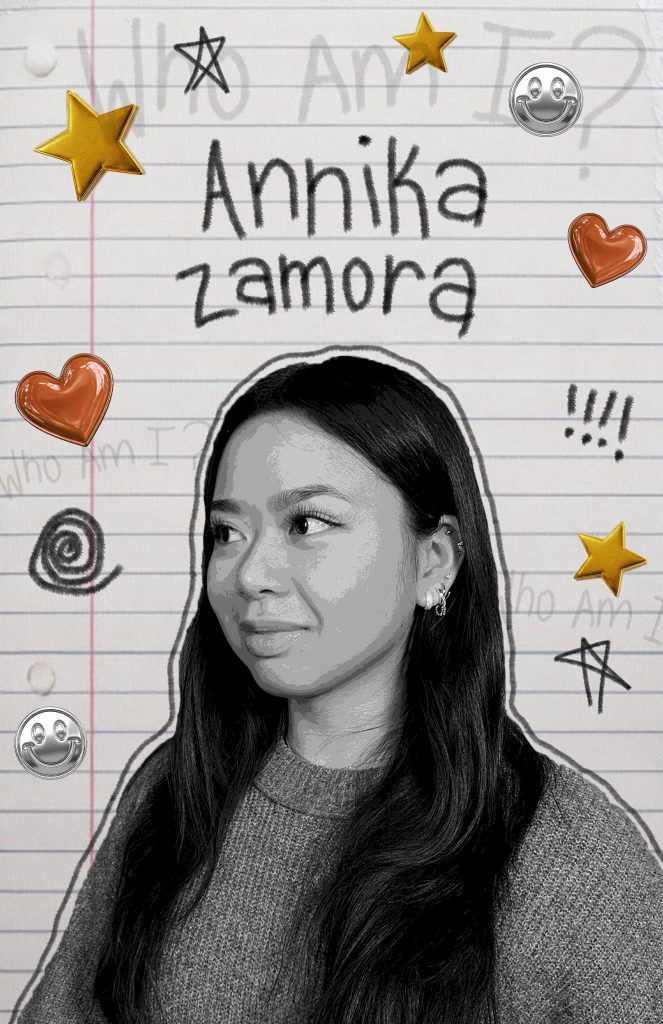
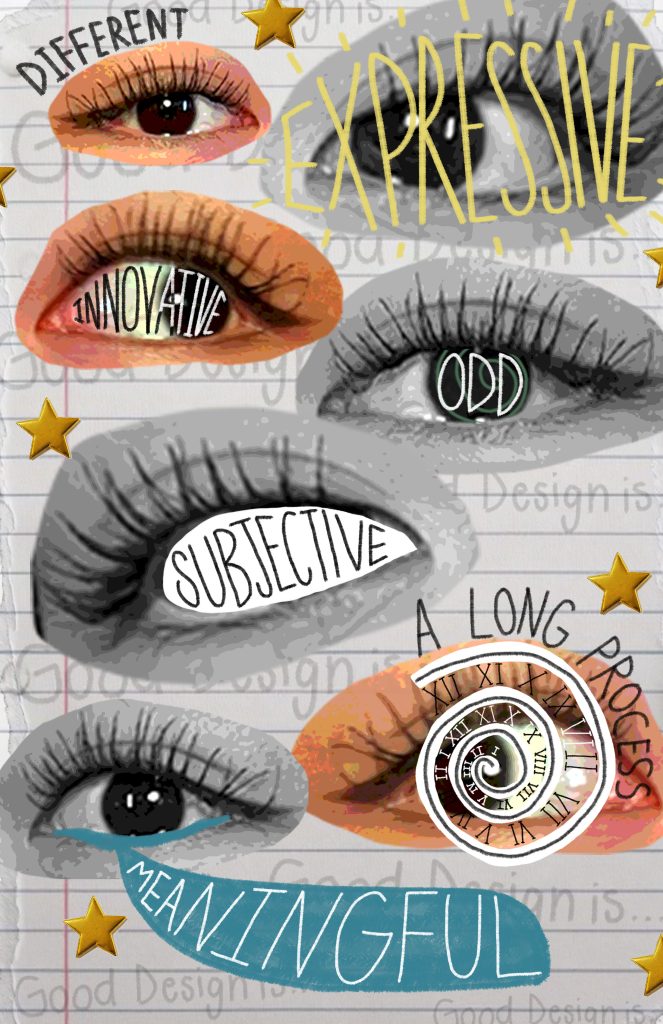
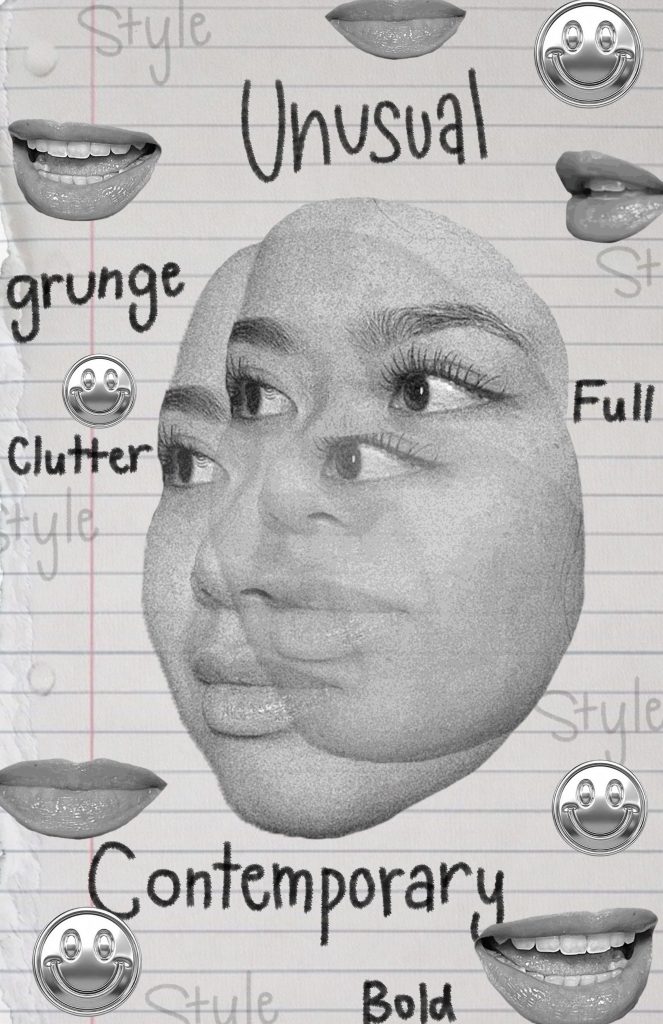
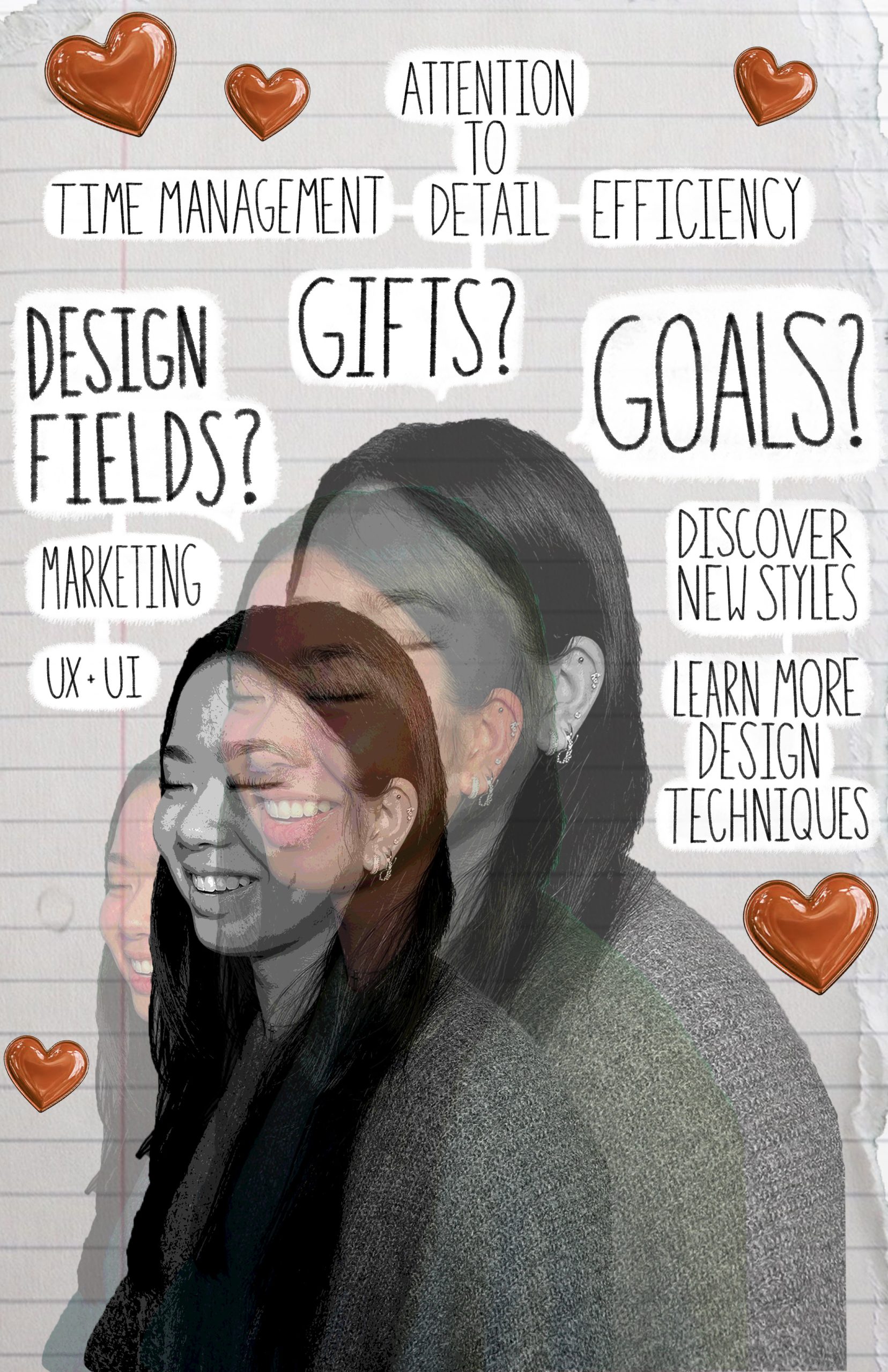
Edited with Adobe Photoshop
Generative AI (Adobe Firefly) was incorporated into the design process
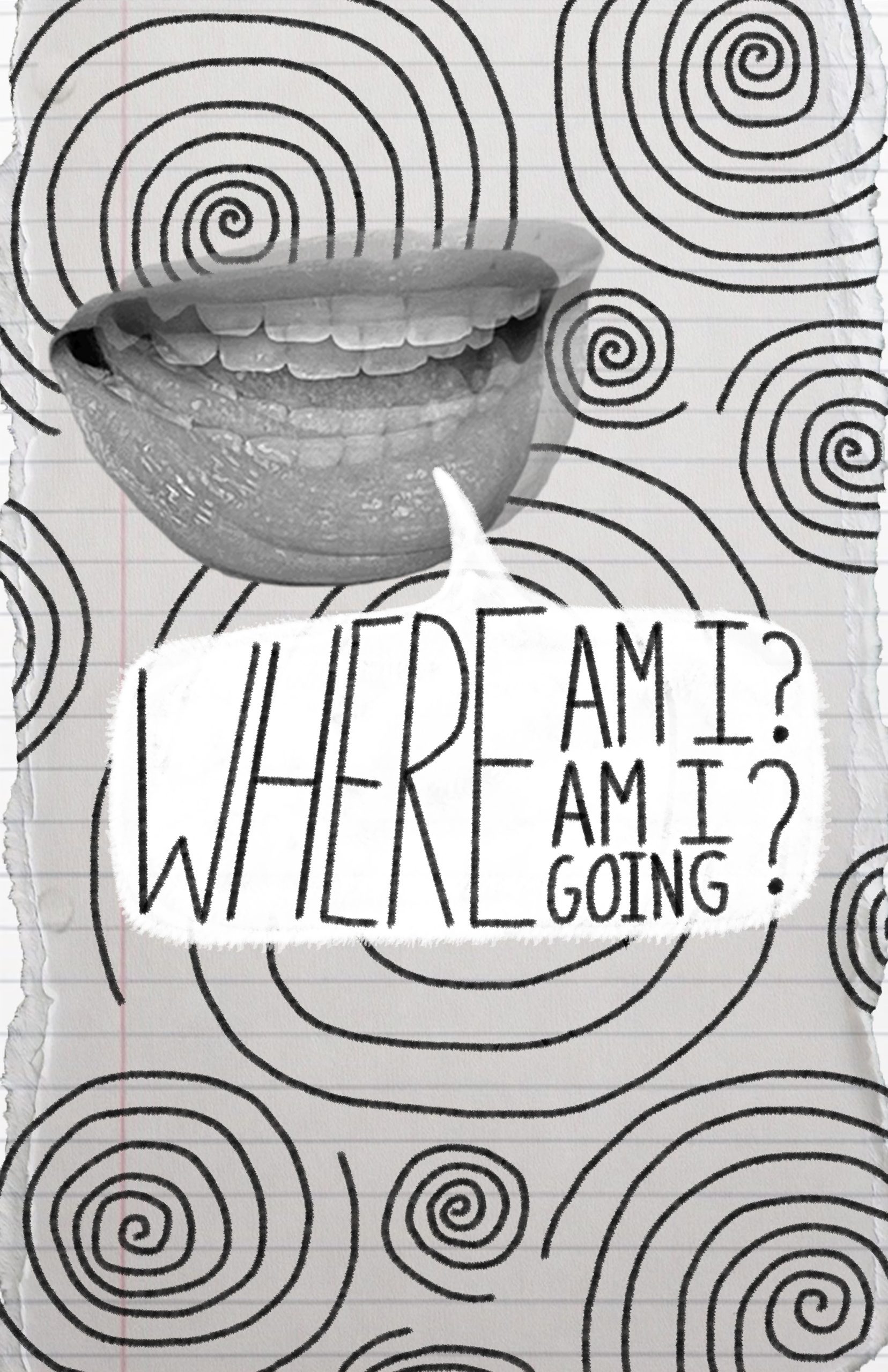
The goal of this project was to explore Who am I? As a designer? An artist? A student? A person?
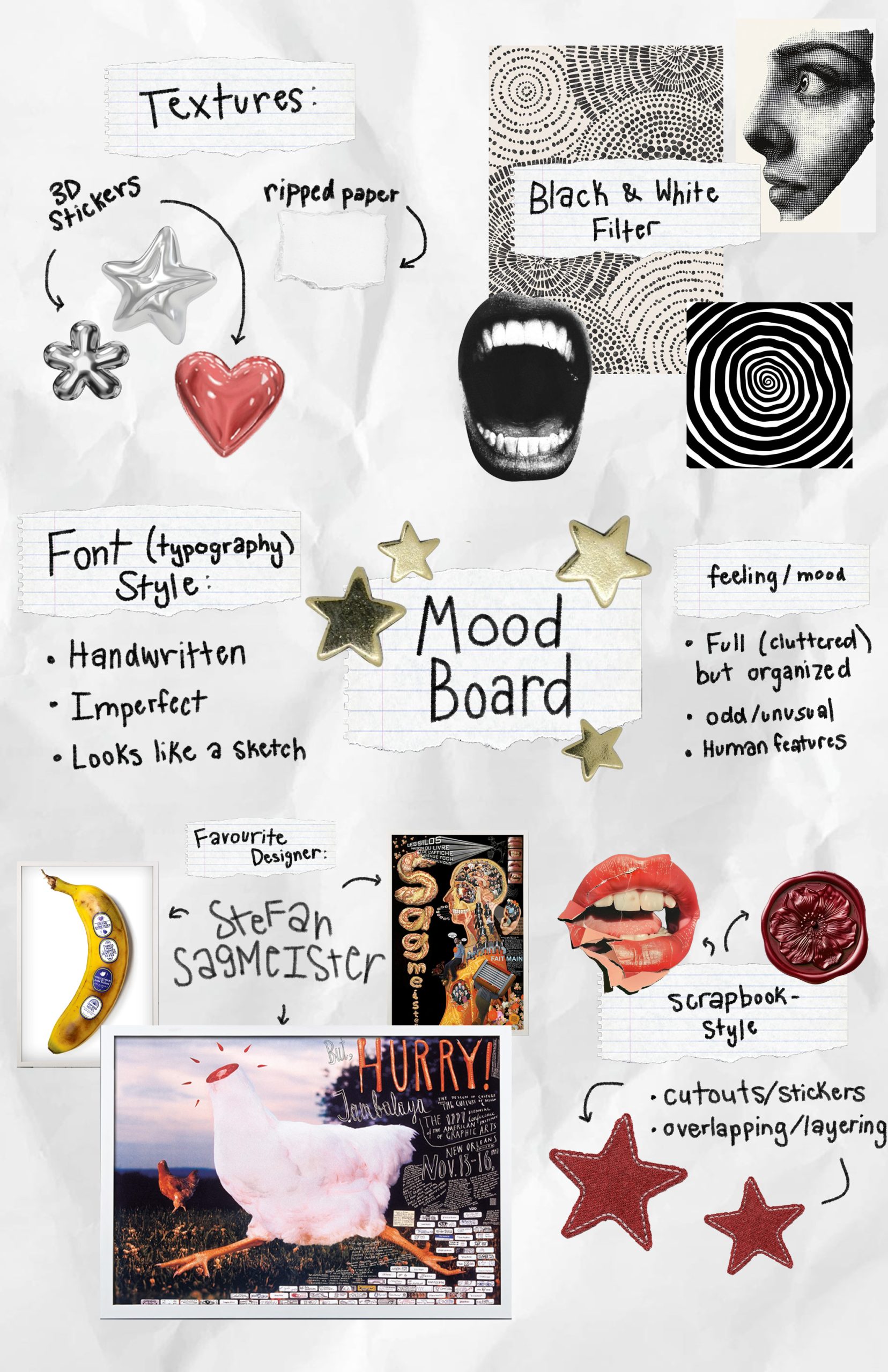
I started by creating a mood board where I drew inspiration from various styles, images, fonts, and artwork to create a cohesive theme to guide the direction of the posters. I then had a photoshoot with a green screen, during which I experimented with different lighting and poses. I selected images I wanted to experiment with, then took them into Photoshop. I began working on each poster, answering the question “Who am I?”.
Using Generative AI was a requirement in this project. I used Adobe Firefly to generate the stickers (red hearts, silver smiley faces, golden stars). I created a prompt and also input an image to guide what I wanted the output to look like. I then tweaked the images by either prompting for additional changes or editing it on Photoshop.
I then printed each of the posters (11 x 17 inches) and posted them on the walls of our campus. As a class, we gave and received feedback to our peers, which provided us with new ideas, perspectives, and improvements that could be made.
Overall, this project became an exploration of identity, experimentation, and self-expression through design. By combining photography, Photoshop editing, typography, and AI-generated elements, I was able to visually explore the question “Who am I?” while pushing myself creatively and experimenting with new techniques.
Glossier Branding Poster Project
Edited with Adobe Photoshop, Adobe InDesign
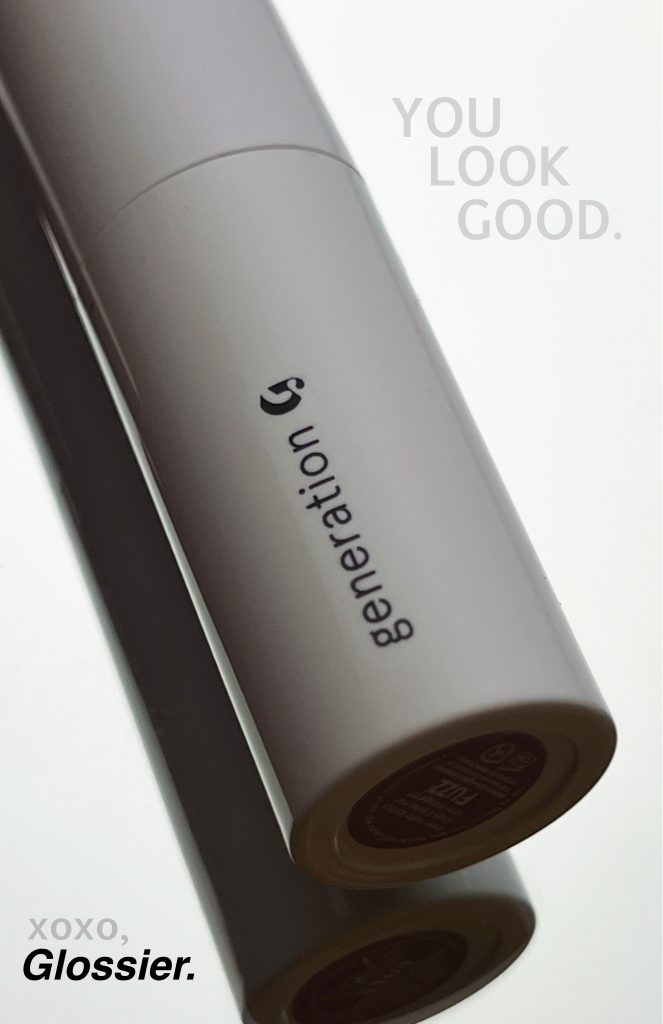
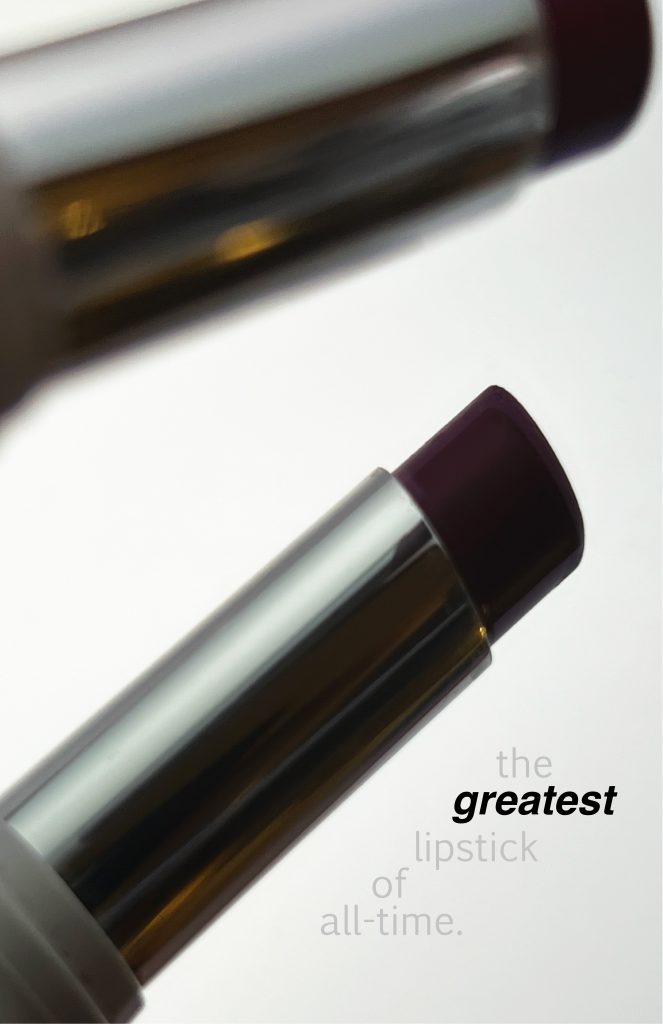
The goal of this project was to encapsulate the current theme, style, and branding of Glossier using a single product. I decided to use one of their lipsticks for its sleek, simple, and modern design. The overall branding aesthetic is minimal, clean, and personal. The overall feel of these posters is confident yet simple and clean.
For this project, I shot product pictures using my iPhone, a mirror, and a tube of lipstick. I then took the photos into photoshop to edit, enhance, and clean up the images. I then took the edited images into InDesign, where I added the titles, headings, and text.
I then printed each of the posters (11 x 17 inches) and posted them on the walls of our campus. As a class, we gave and received feedback to our peers, which provided us with new ideas, perspectives, and improvements that could be made.
Overall, this project allowed me to explore product photography, branding, and layout design while translating Glossier’s visual identity into a cohesive poster series. Through photography, editing, and print design, I focused on creating work that felt clean, modern, and aligned with the brand’s minimal aesthetic.
Addressing a Service Gap in ER Wait Time Communication: Research Poster
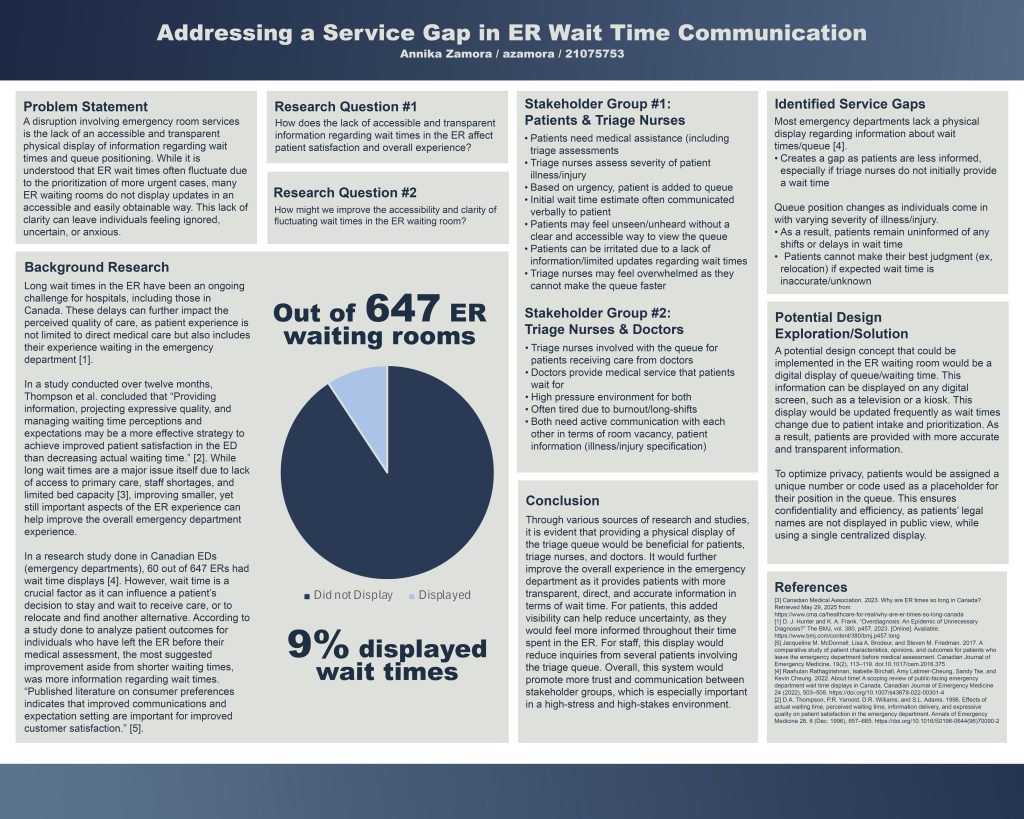
Edited with Adobe Photoshop, Microsoft Excel
For this project, I researched a service gap in emergency room experiences and developed a research poster to address it. Through research and personal experience, I found that patients often have limited access to information about ER wait times, leading to uncertainty and frustration. Using a defined problem statement and research question, I explored this issue and translated my findings into a clear, user-centred poster design.
The poster presents the research process through several key sections, including a problem statement, background research, stakeholder analysis, service gap identification, potential design explorations and solutions, and a final conclusion. By examining the perspectives of both patients and healthcare providers, I identified key communication gaps and proposed design opportunities aimed at improving transparency and the overall patient experience within emergency departments.